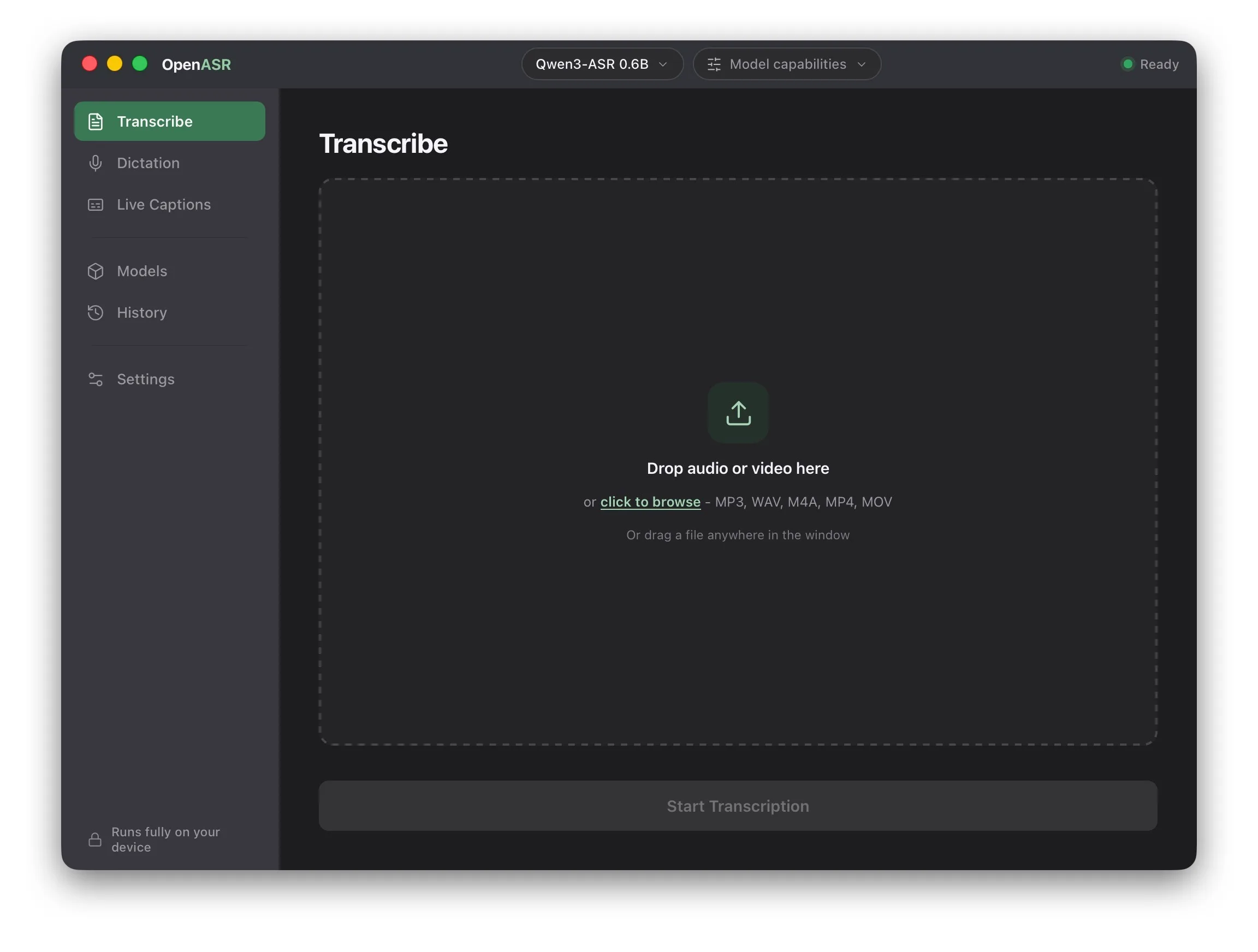
Drop in a recording
Meetings, interviews, lectures, voice memos — drop one in and go. Pick a model, click once, your Mac handles the rest. Edit the transcript inline or export it as subtitles.
OpenASR turns speech into text on your own computer — macOS and Windows today, Linux next. Drop in a file, dictate into any app, or run live captions. No account, no cloud, no upload.
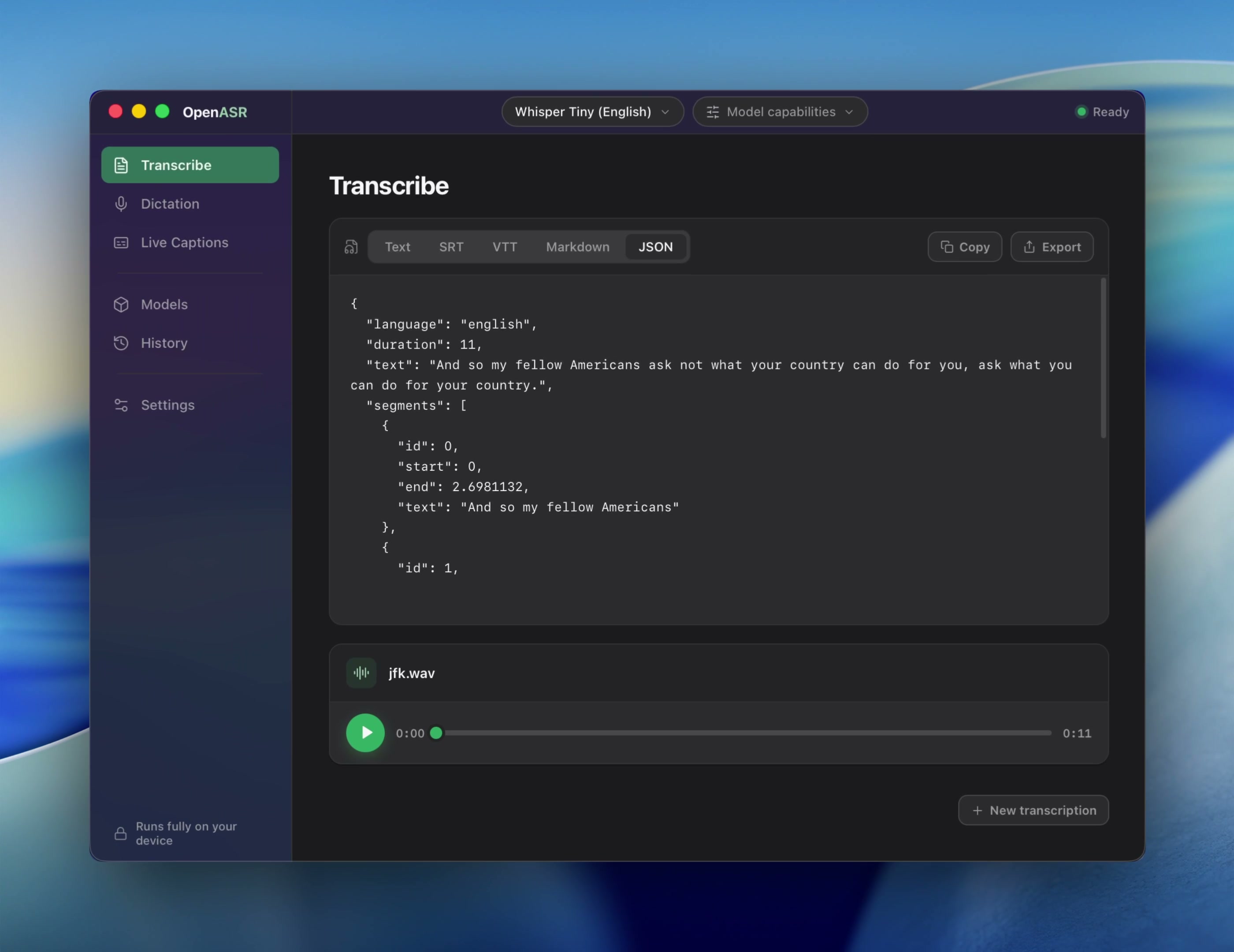
Say it. It’s written.
Meetings, interviews, classes, or passing ideas—OpenASR turns them into text on your computer, without an upload or a learning curve.
No setup maze and no command line. Open the app and choose what you want to transcribe.
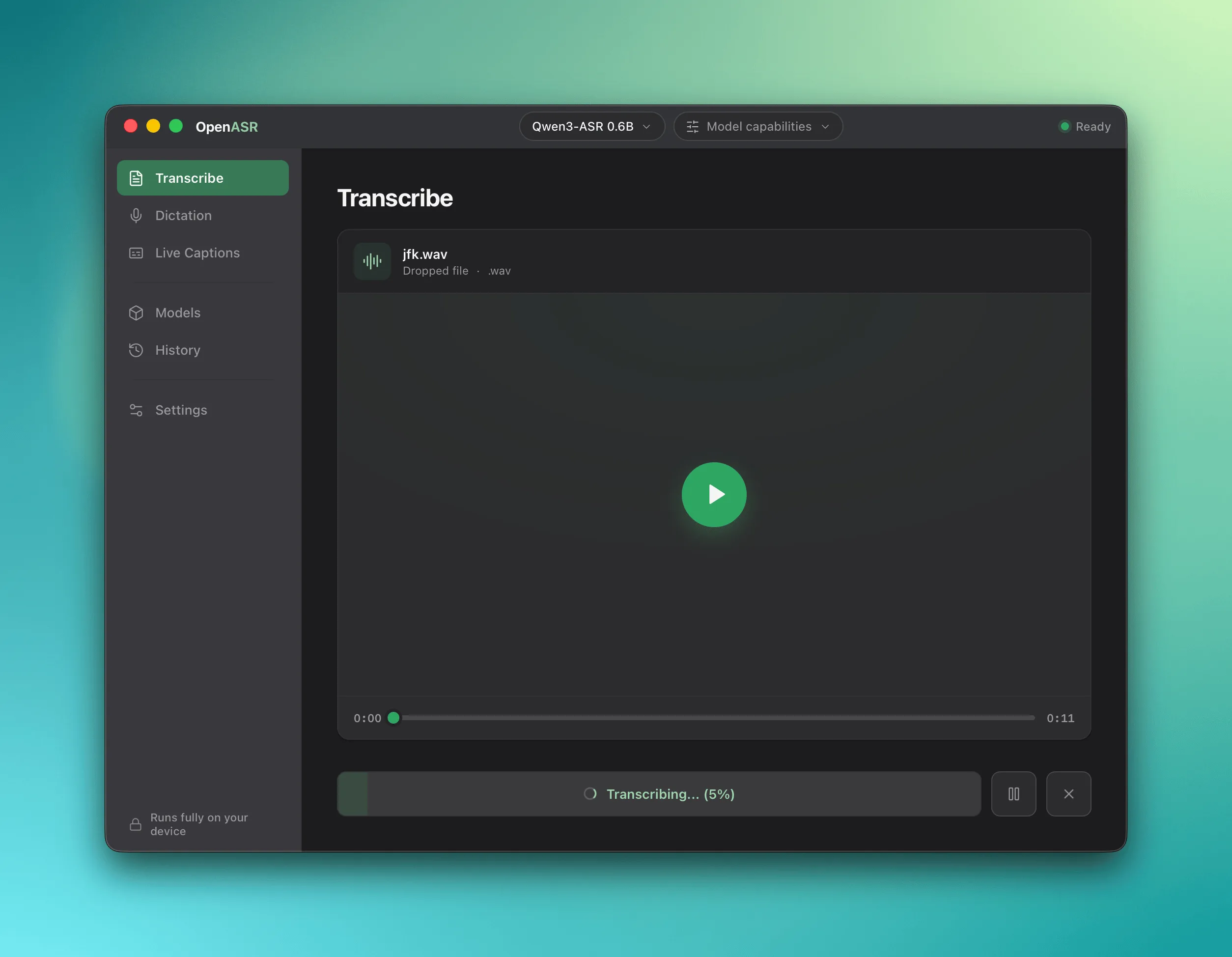
Meetings, interviews, lectures, voice memos — drop one in and go. Pick a model, click once, your Mac handles the rest. Edit the transcript inline or export it as subtitles.
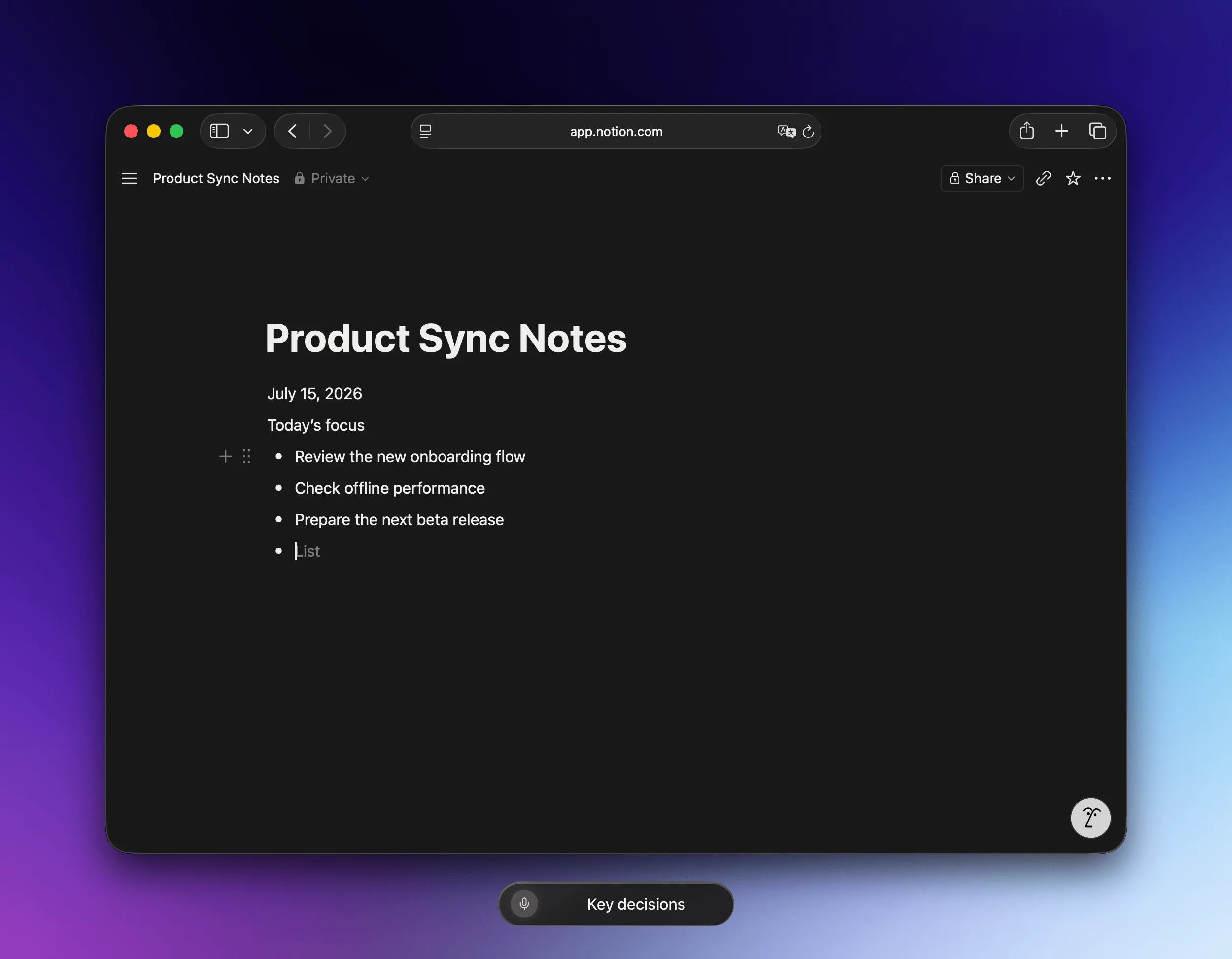
Start dictating and words land right where your cursor is. Emails, notes, outlines — just talk. Punctuation is added for you.
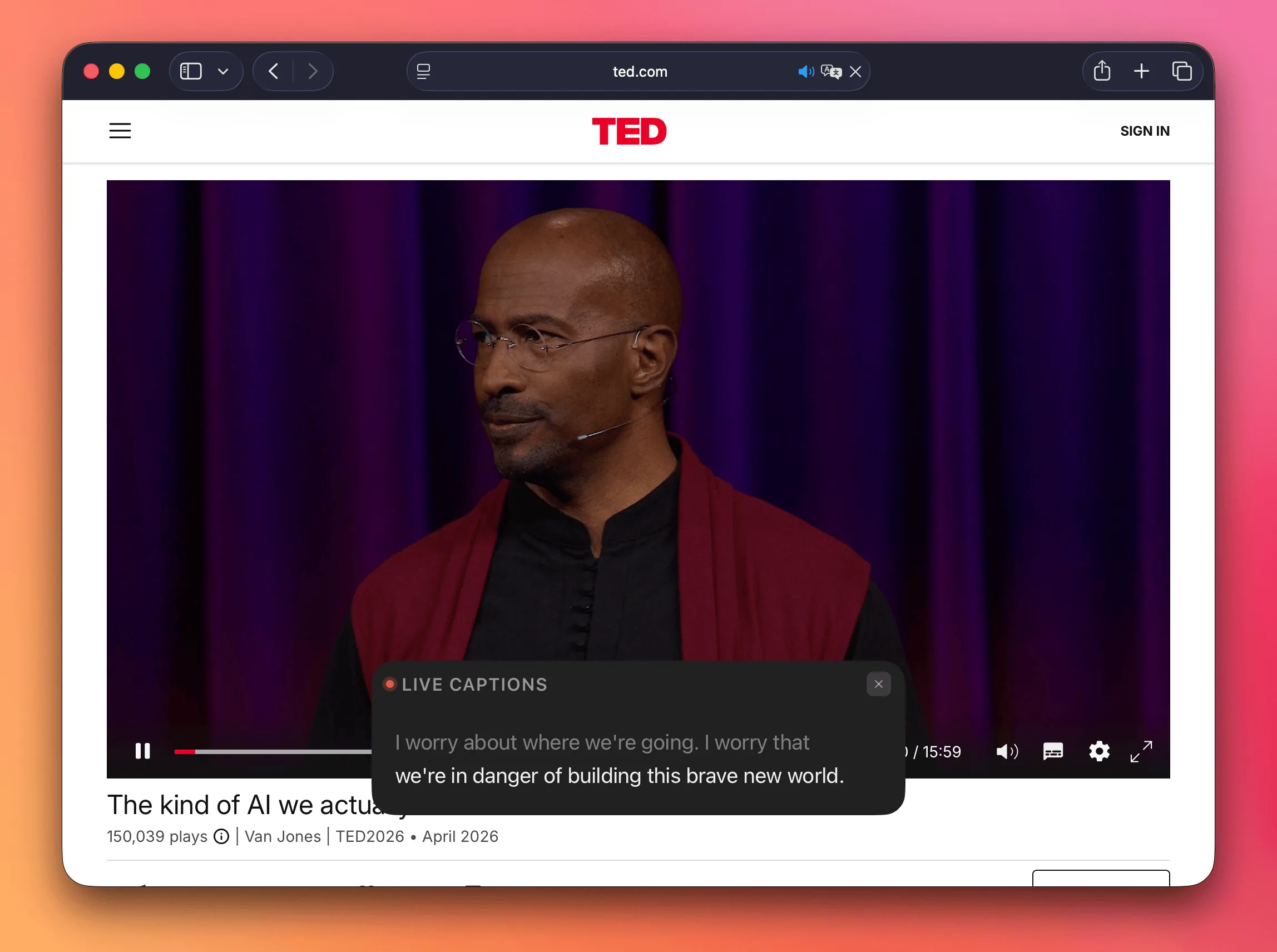
Online lectures, video calls, podcasts in another language — turn on captions and follow along. A floating overlay scrolls in real time. Nothing to install on the other end.
Models, audio, and results stay on your computer. Once the words appear, they are ready to review, organize, and export.
Audio, models, and transcripts are processed locally. Keep working even when the network is not.
Go lighter for a quick response or choose a larger model for demanding audio. Download once, switch anytime.
Keep different speakers distinct in meetings, interviews, and live captions.
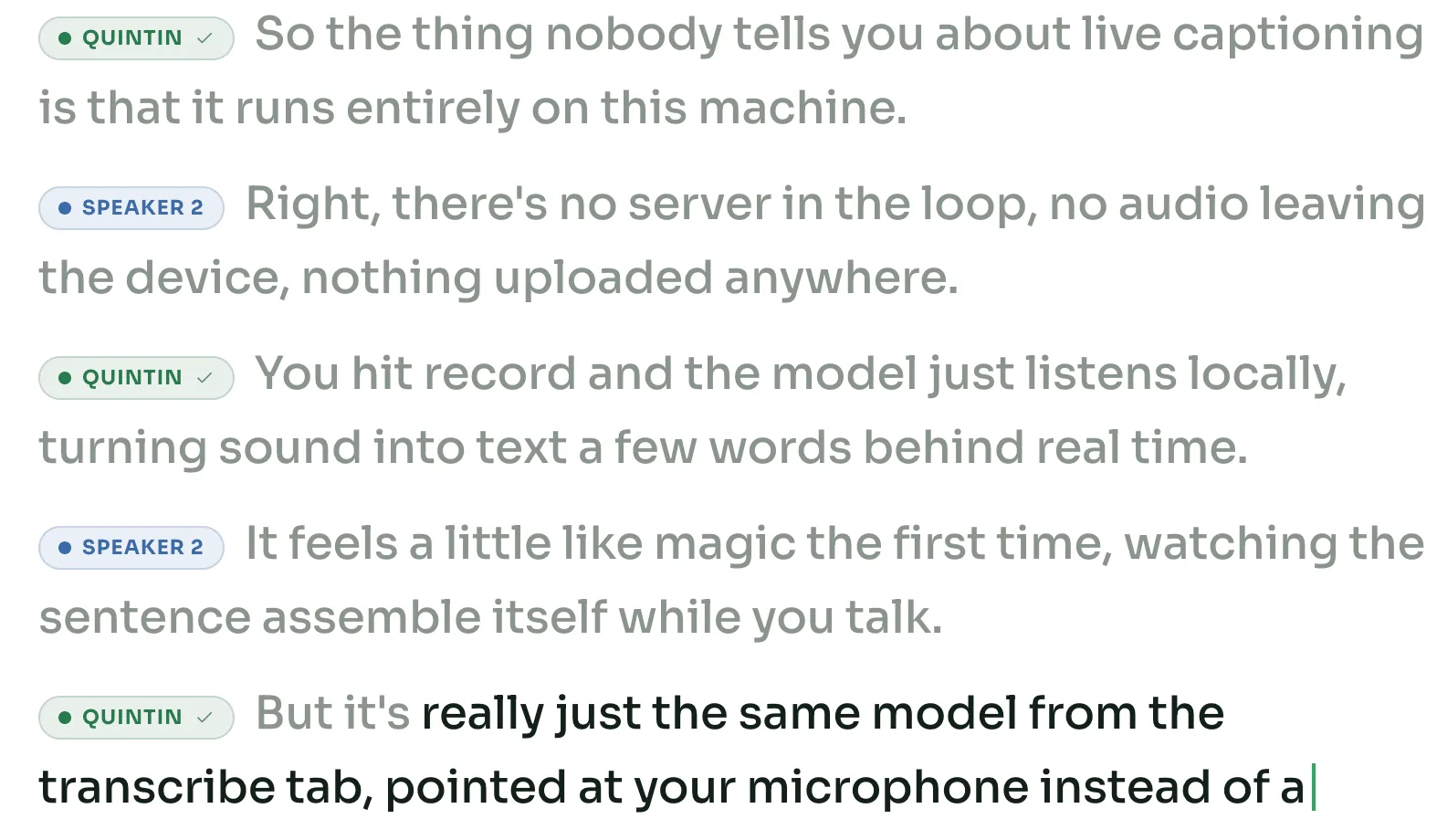
Keep timestamps beside the transcript so every line retains its place in the recording.
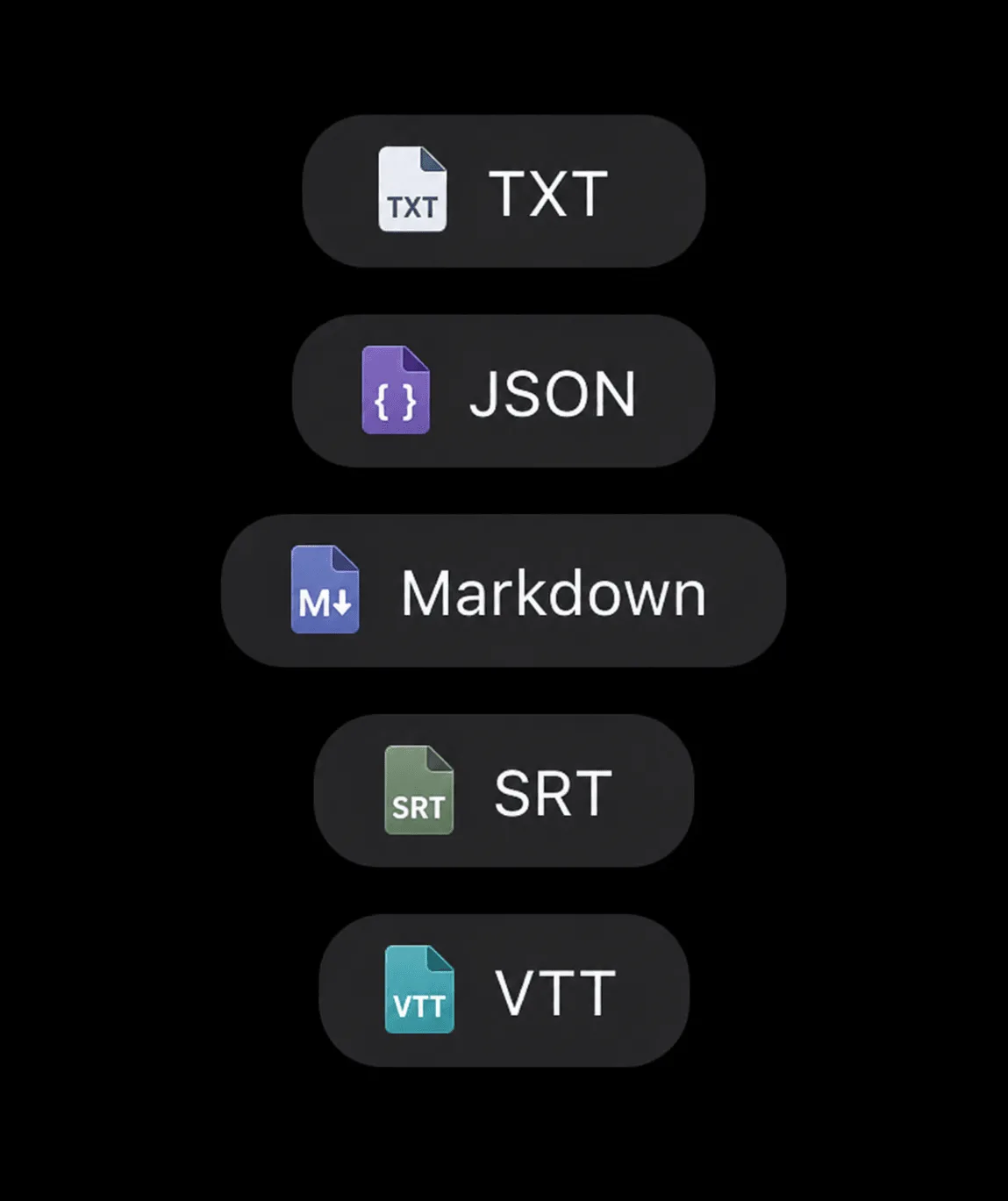
Continue in plain text, structured data, or timestamped subtitles.
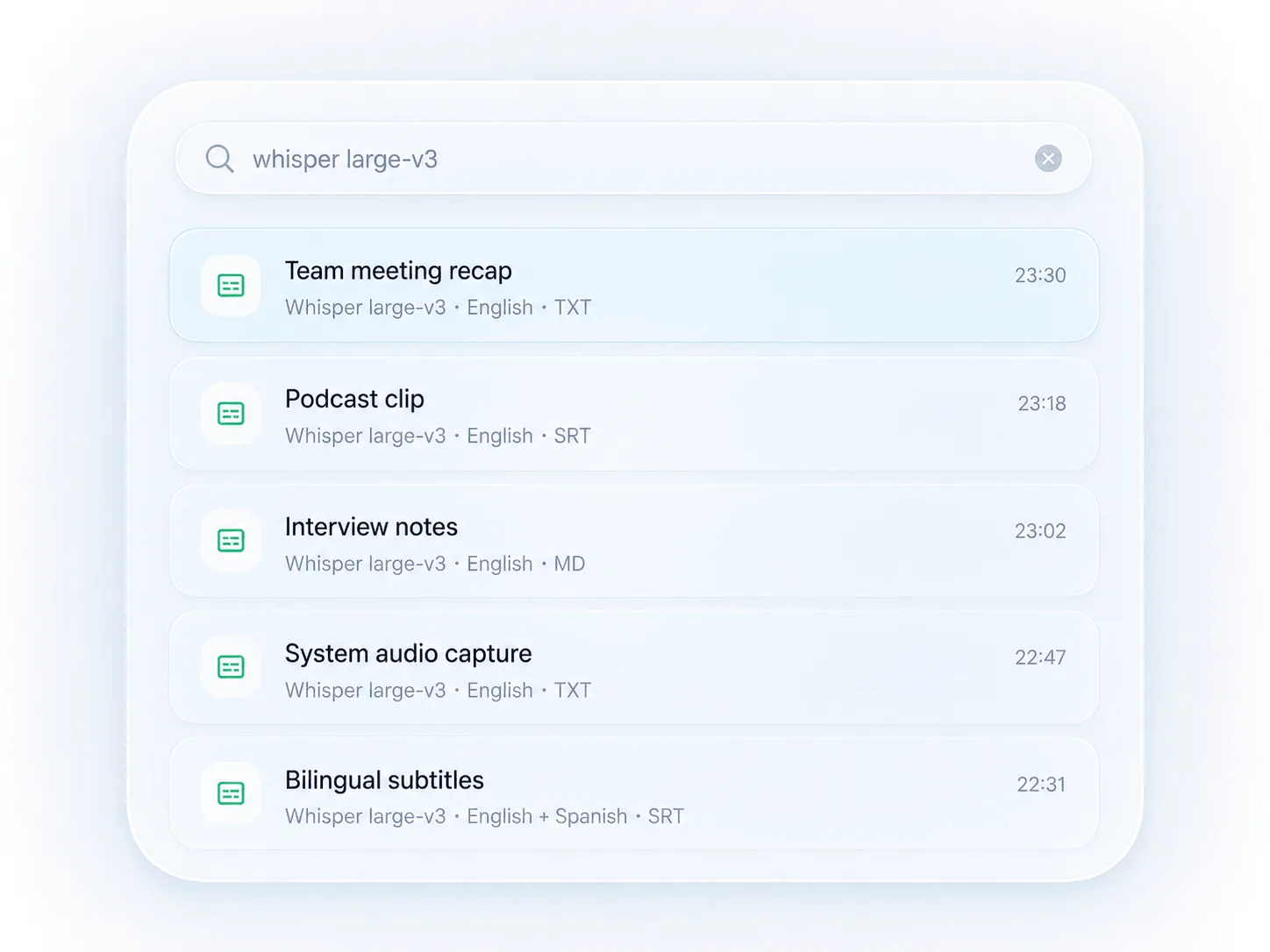
Return to recent files, models, formats, and results without starting over.
Begin dictating without leaving the app you are already using.
The desktop app is the easiest path. The CLI is the same open-source engine, scriptable from a terminal.
Download the desktop app for your platform and follow the short onboarding.
Onboarding suggests a recommended default — swap it any time from the Models screen, one click away.
Drop in a file, dictate straight into any app, or caption system audio live — all on-device.
Transcription runs on your own computer. There is no account, telemetry, or hidden cloud transcription path.
See exactly how privacy worksThe CLI, local API, model format, and everything that touches audio remain available in the open core.
A GitHub Star helps more people discover private, local speech-to-text.
Support OpenASR on GitHubNo sign-up. No keys. No cloud. Just an app — and an open core you can read.
Download the desktop app