Your voice. Your words. Your computer.
Turn recordings and live speech into text with a desktop app designed to feel effortless. Your audio stays on your device by default.
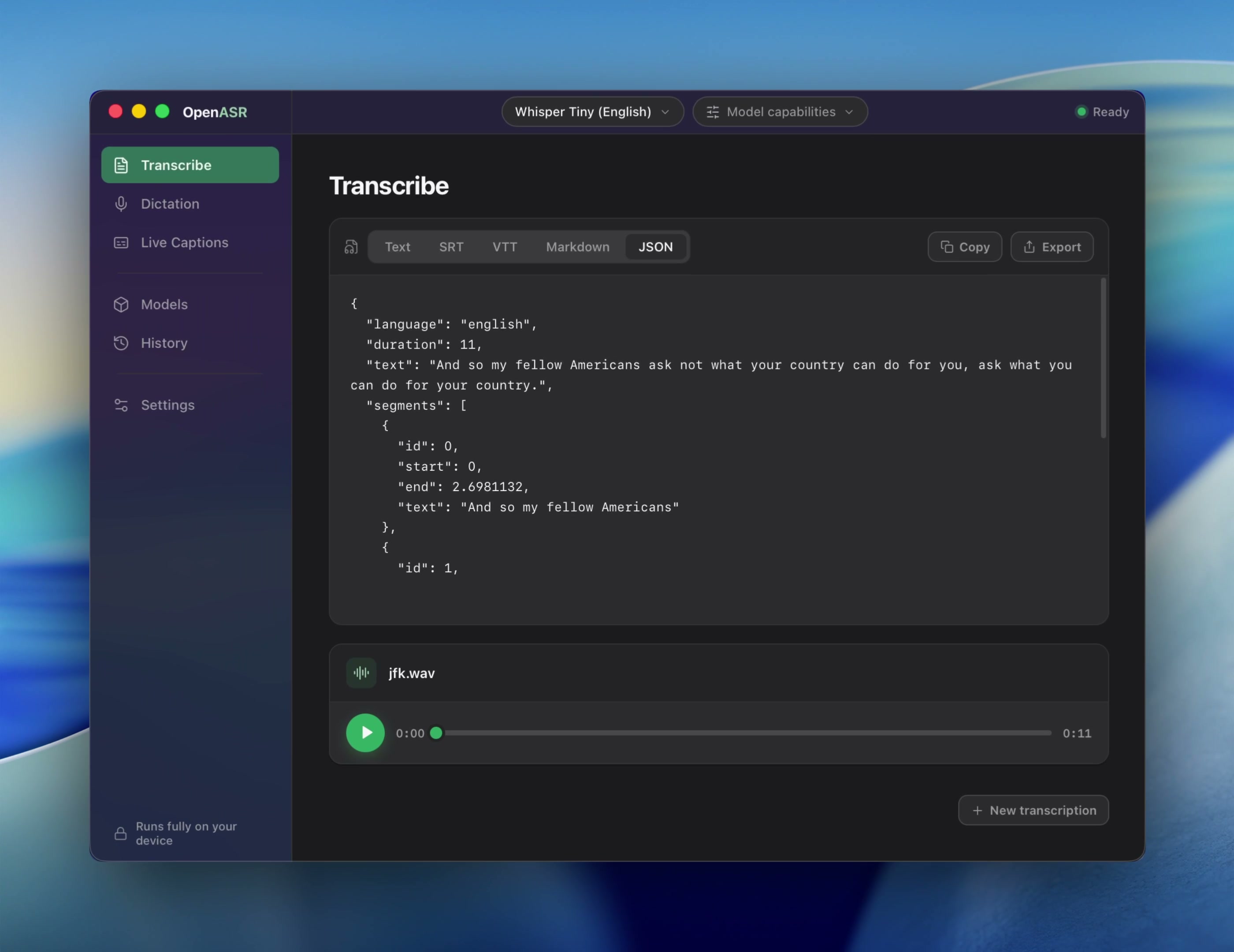
Built for the desktop
The macOS and Windows apps are available now. A Linux desktop app is in development — the CLI and server already run on Linux.
OpenASR Desktop for Windows
Transcribe files, dictate into any app, and run live captions — the same features, now on Windows. Requires a 64-bit x64 machine running Windows 10 or later. The installer is signed by Caelum Inc. via Azure Trusted Signing; if SmartScreen shows an "unrecognized app" prompt on first run, click "More info → Run anyway" — this is normal for a newly signed identity and resolves as reputation builds. See Troubleshooting for details.
OpenASR for developersCLI binaries, source builds, and automation tools+
Prebuilt binary
fastestDownload a tar.gz from GitHub Releasesfor macOS, Linux, and Windows (plus CUDA/ROCm/Vulkan/musl variants where published), verify against the release's SHA256SUMS, extract, and put openasr on your PATH.
Docker
serversPublished CPU (amd64 + arm64) and CUDA images track each core release on Docker Hub. Model packs install into a /data volume; the server never auto-pulls.
Build from source
Needs cmake, a C/C++ toolchain, Rust 1.95.0 (pinned by rust-toolchain.toml), and on Linux libasound2-dev — the ggml backend is a git submodule compiled from source.